Wallpics Pets
Your pet.
Watching back.
Send three photos. Get a companion that lives on your Mac and follows your cursor.
Coming to theMac AppmacOS 13 or later
Wallpics PetsMon, 19 Oct 19:41
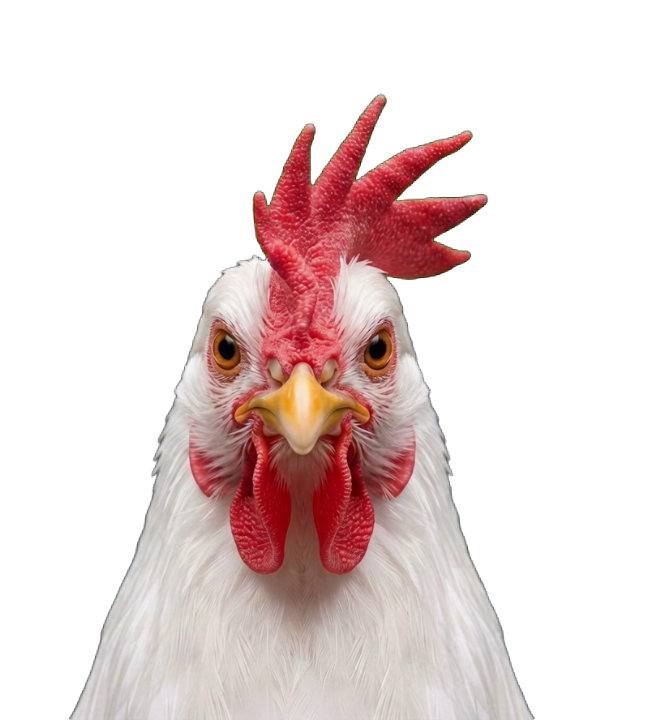
Move your mouse
What it does
Three directions, one animal.
It follows you
Head and eyes track wherever you point.
It is your pet
Not a cartoon. The photos you send are the animal.
It lives on the desktop
Cut from its background, on top of your wallpaper.
Catalogue
Every pet on the wall looks back.
32Live now
3Angles each
64Gaze sectors
Live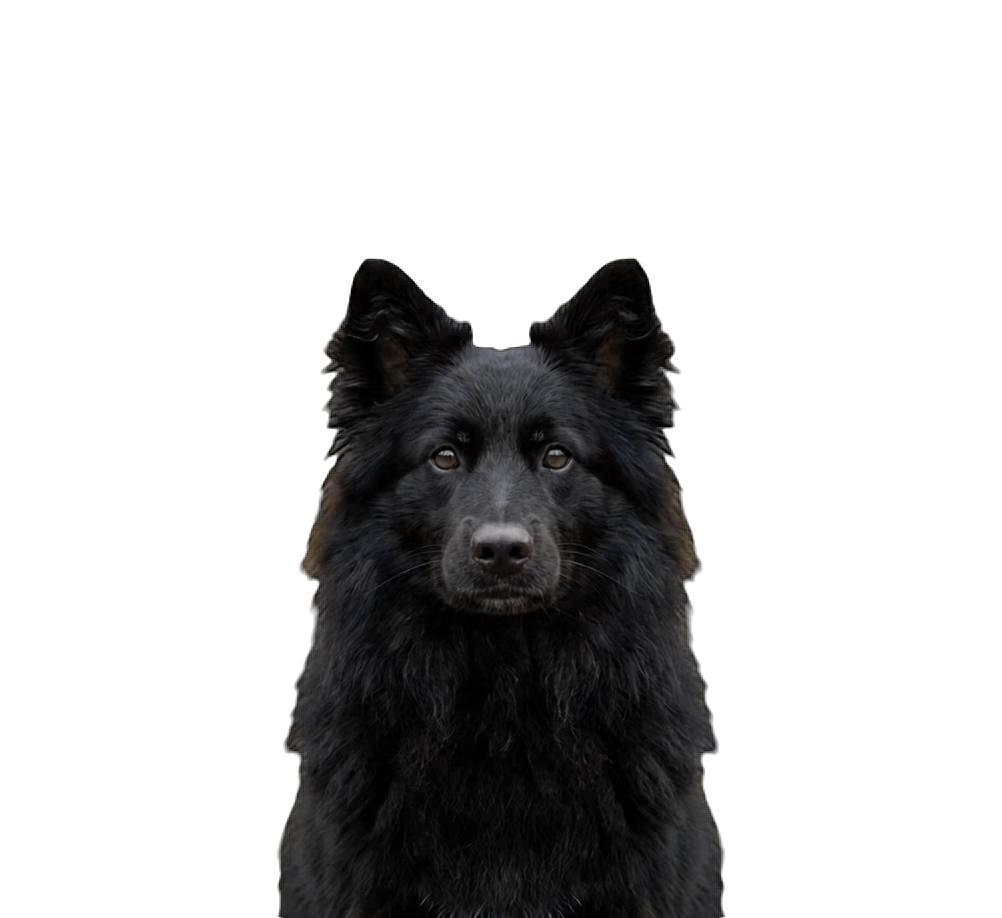
AyqoDomestic
♥ 0↓ 0
Live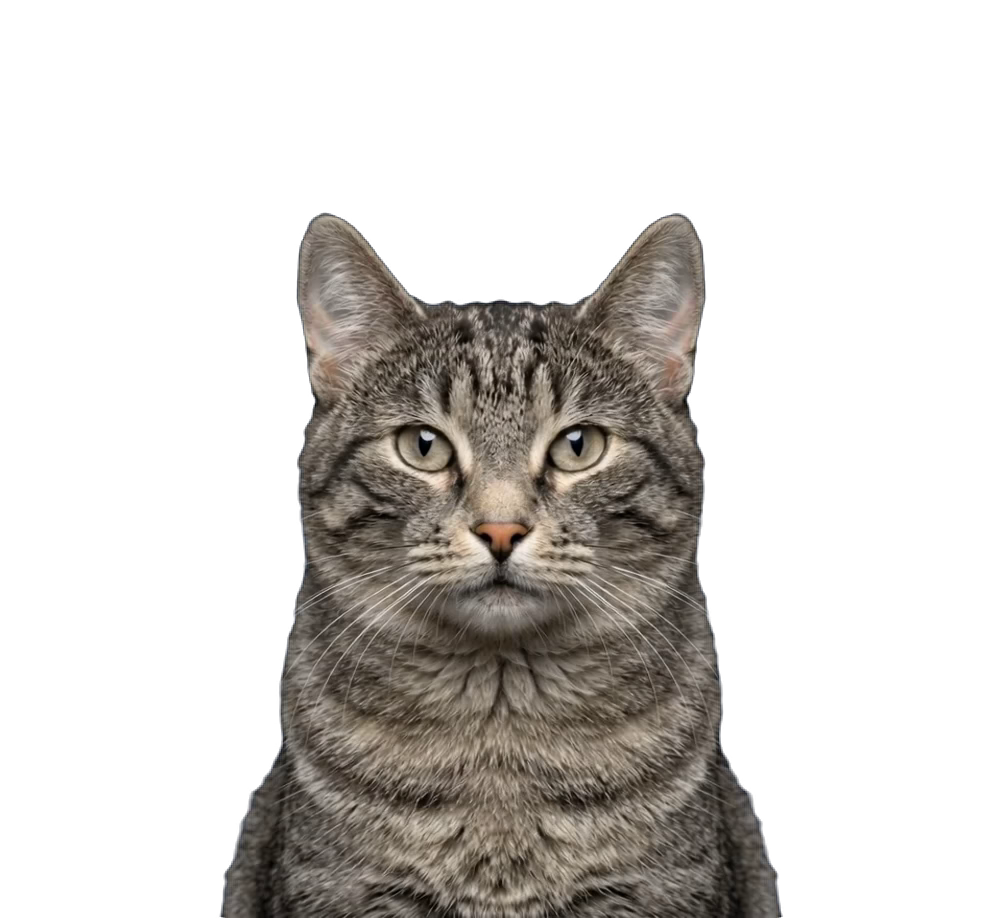
Liuse PadlaDomestic
♥ 0↓ 0
Live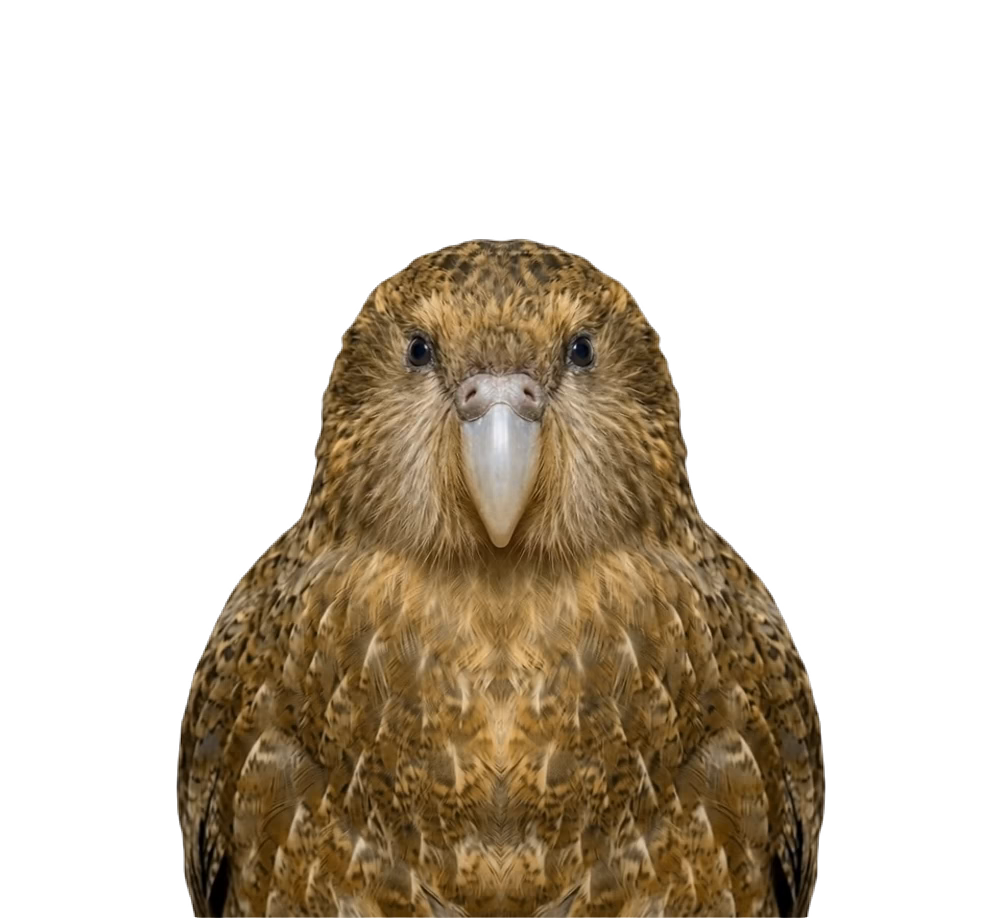
aDomestic
♥ 0↓ 0
Live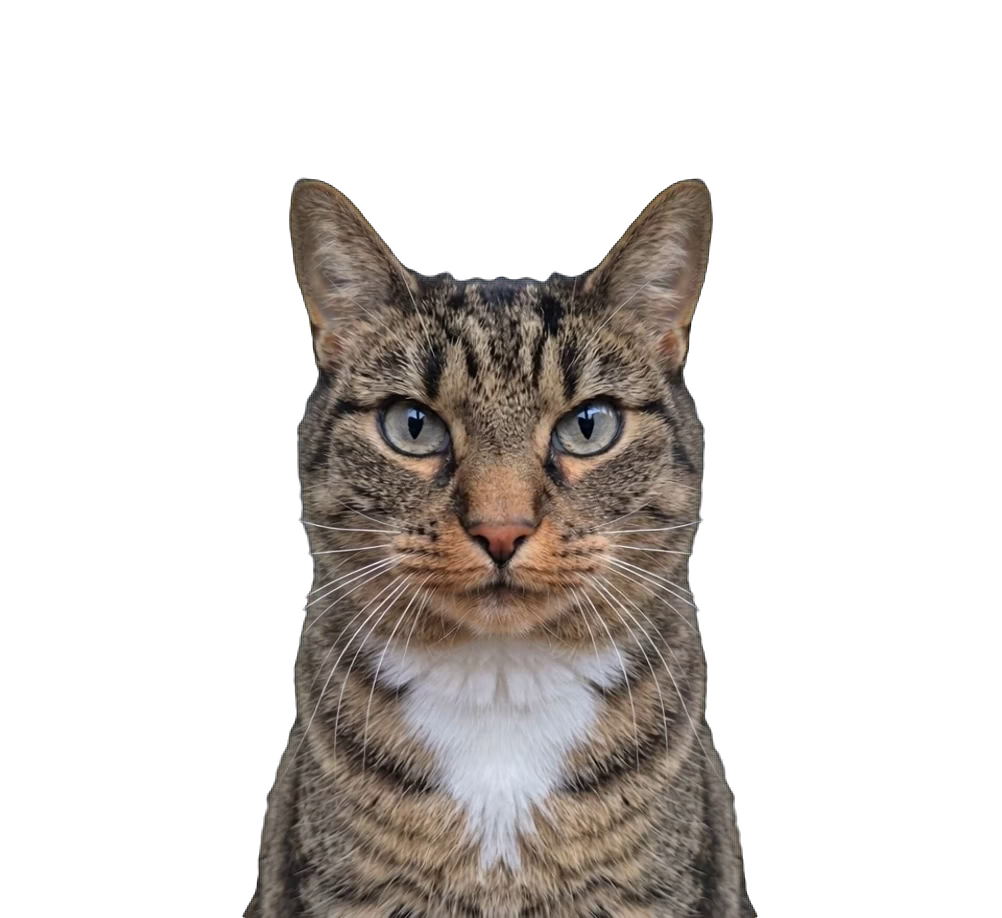
Katiniokas v2Domestic
♥ 0↓ 0
Live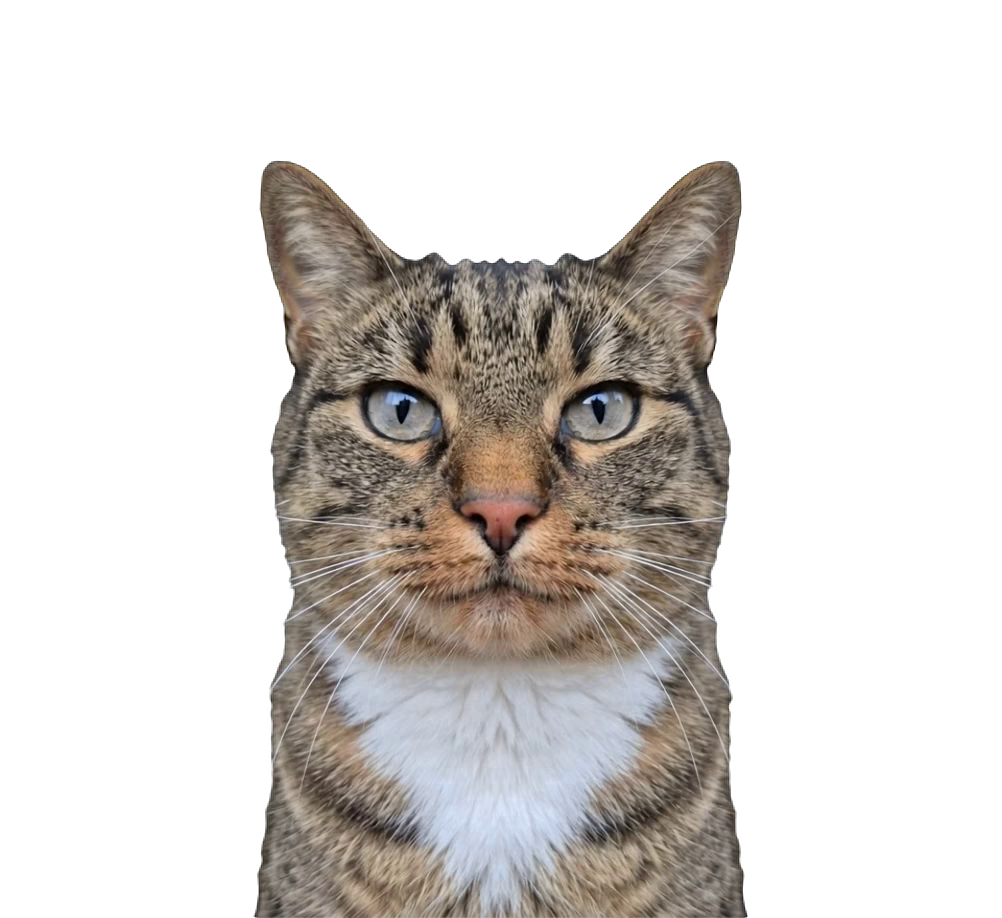
KatinionkasDomestic
♥ 0↓ 0
Live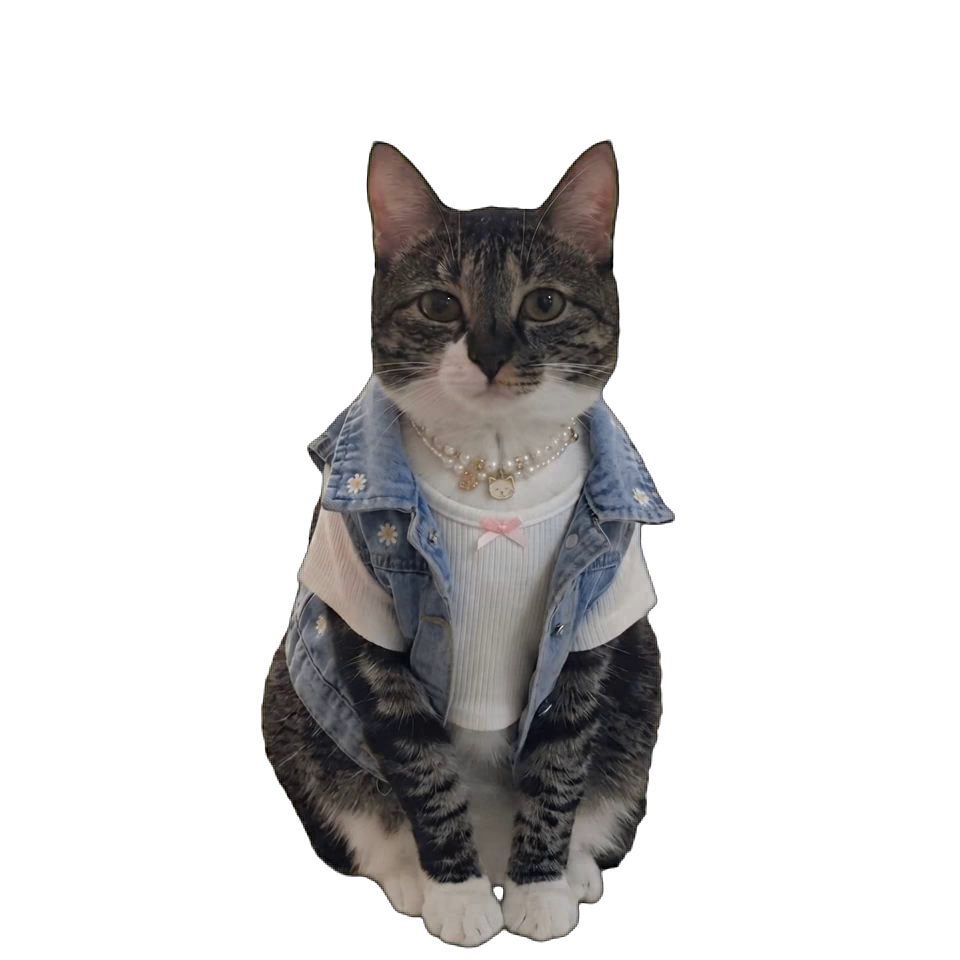
nolaDomestic
♥ 0↓ 0
Live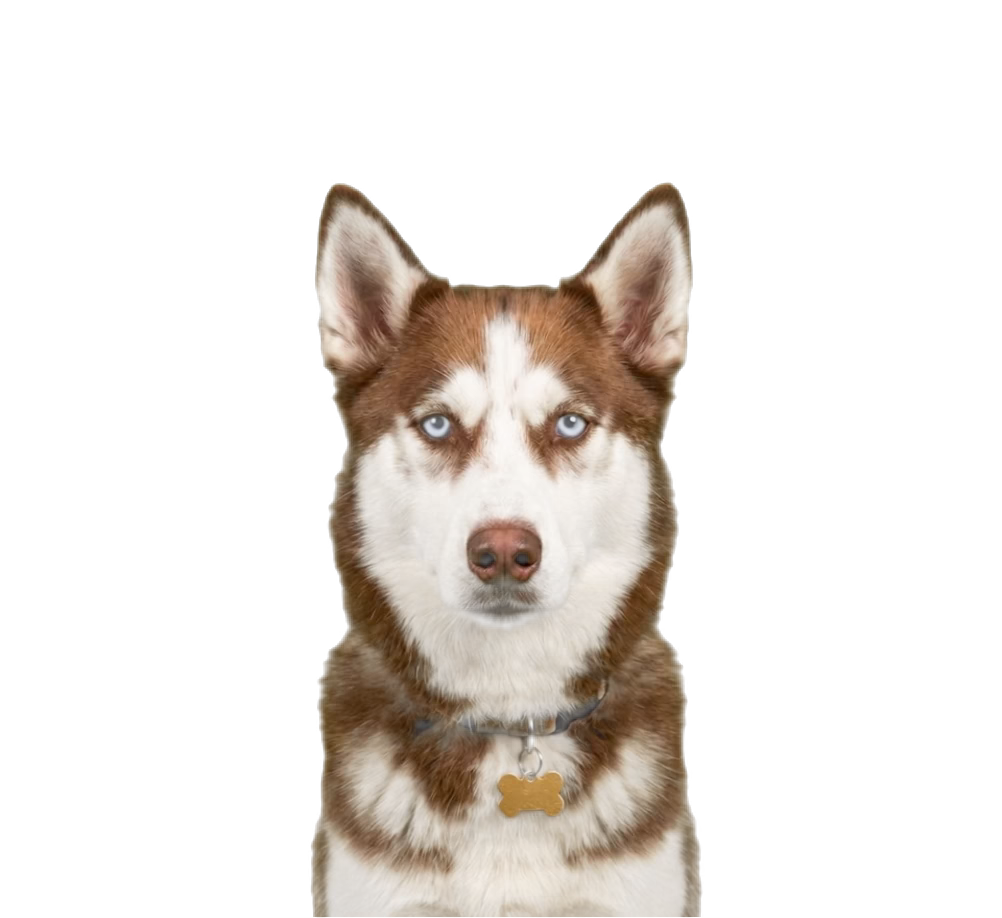
Domestic
♥ 0↓ 0
Live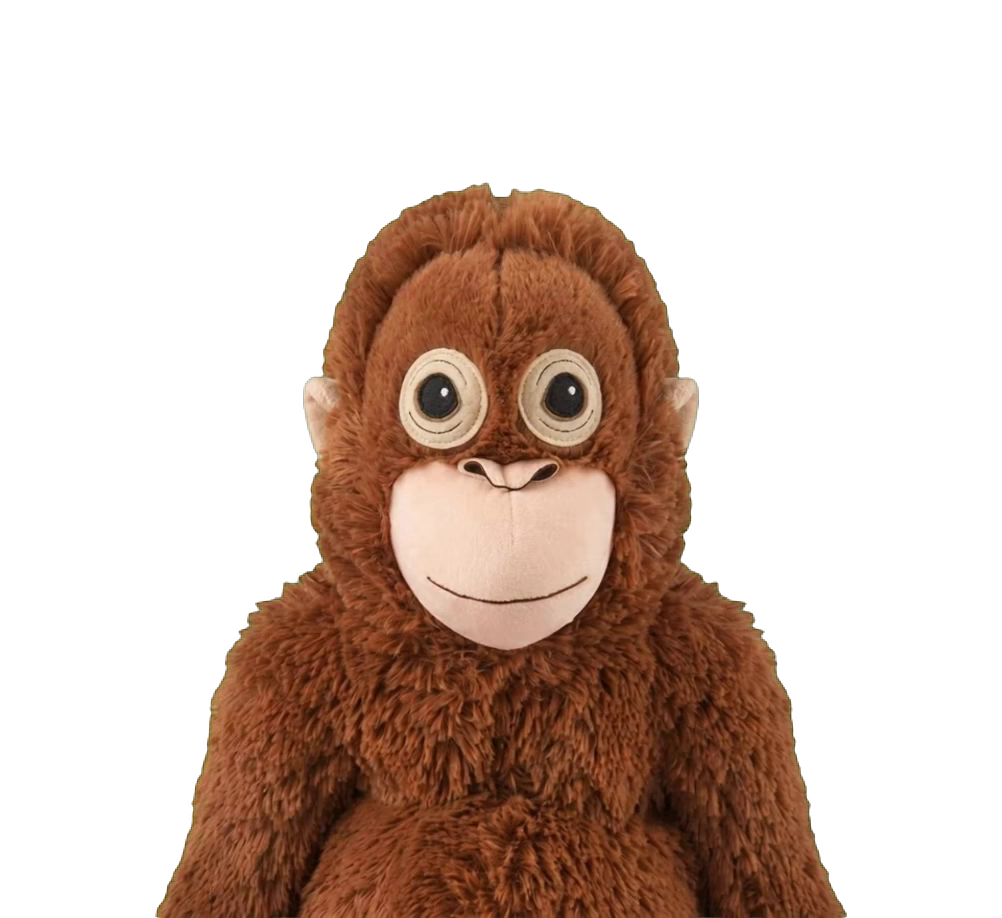
beniDomestic
♥ 0↓ 0
Live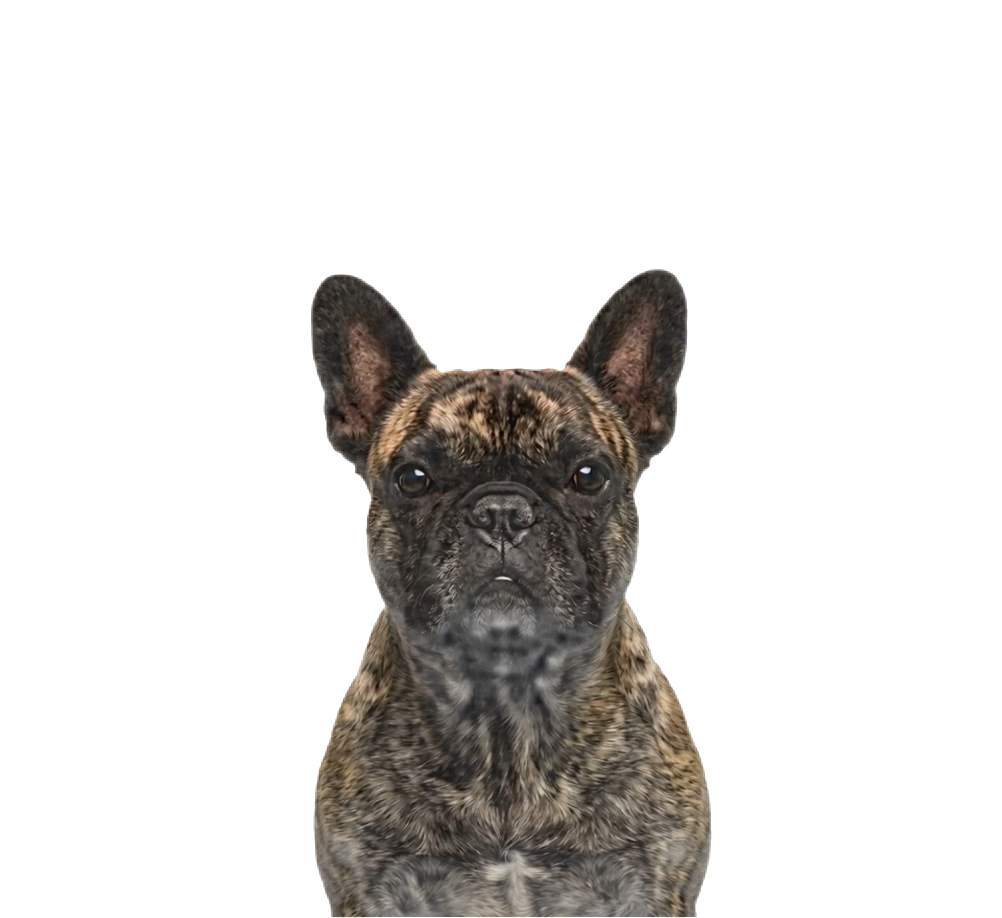
Domestic
♥ 0↓ 0
Live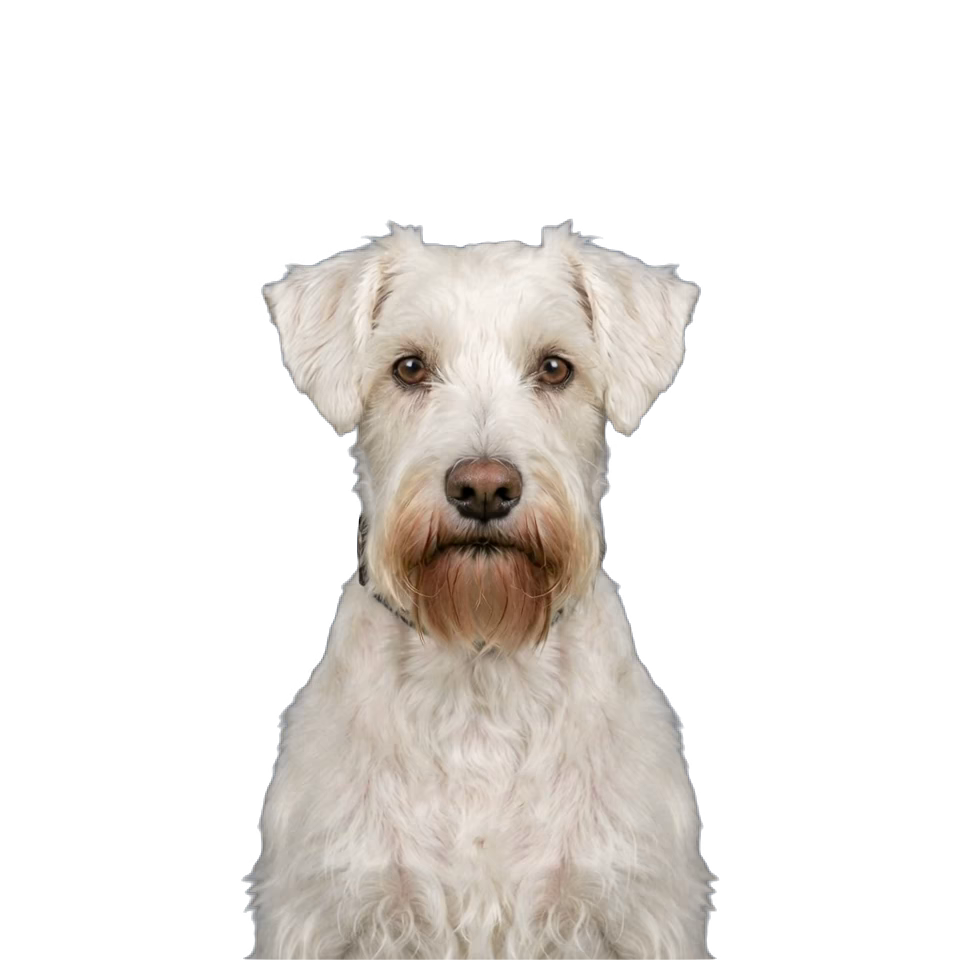
АрчиDomestic
♥ 0↓ 0
Live
Domestic
♥ 0↓ 0
Live
Little Tiny BabyDomestic
♥ 0↓ 0
Live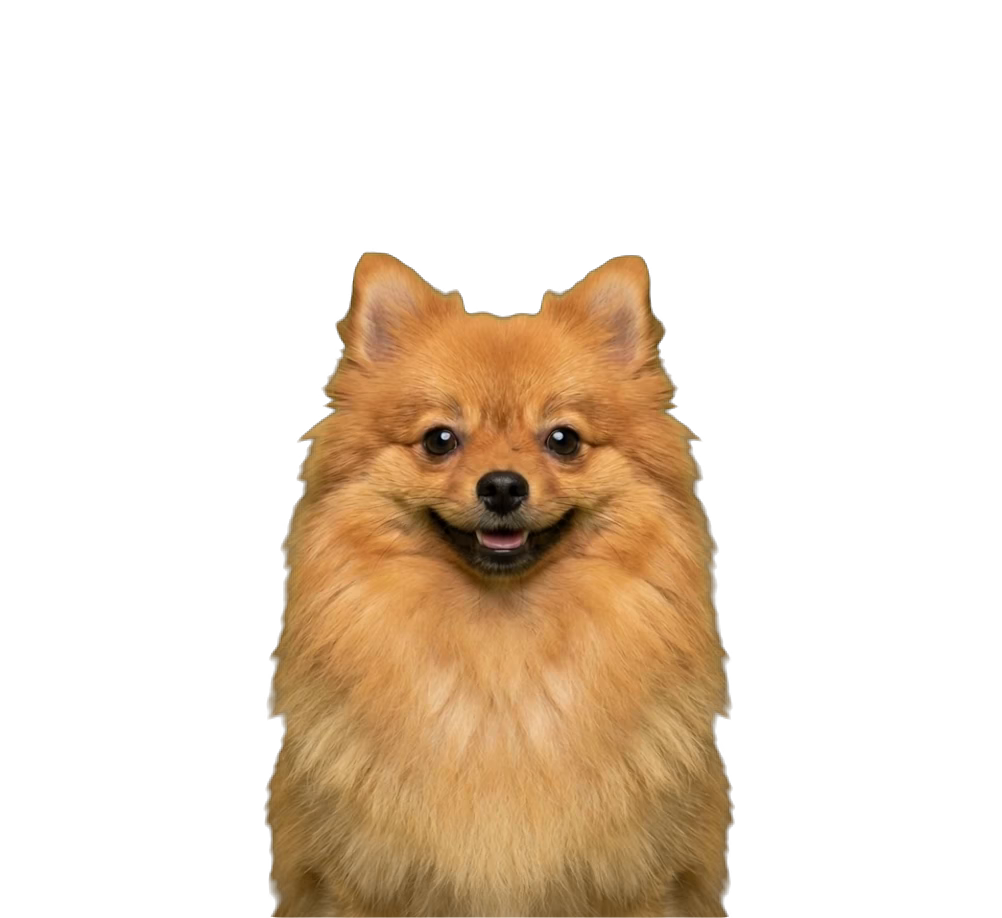
Domestic
♥ 0↓ 0
Live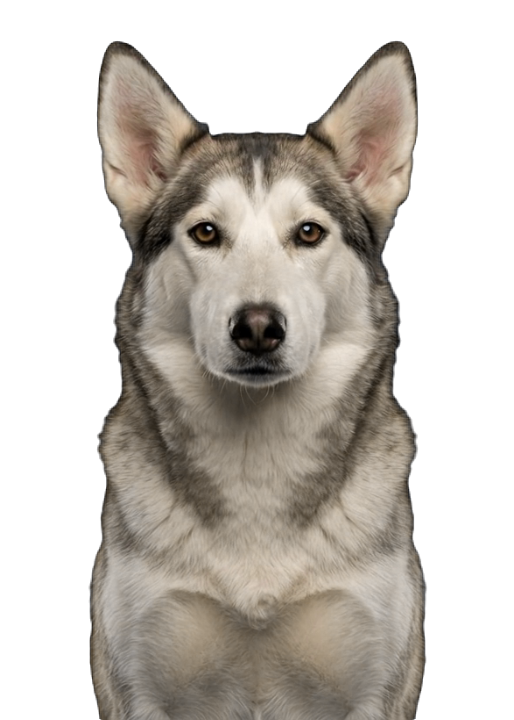
mikaDomestic
♥ 0↓ 0
Live
Domestic
♥ 0↓ 0
Live
cutieDomestic
♥ 0↓ 0
Live
Domestic
♥ 0↓ 0
Live
dog 09-10Domestic
♥ 0↓ 0
Live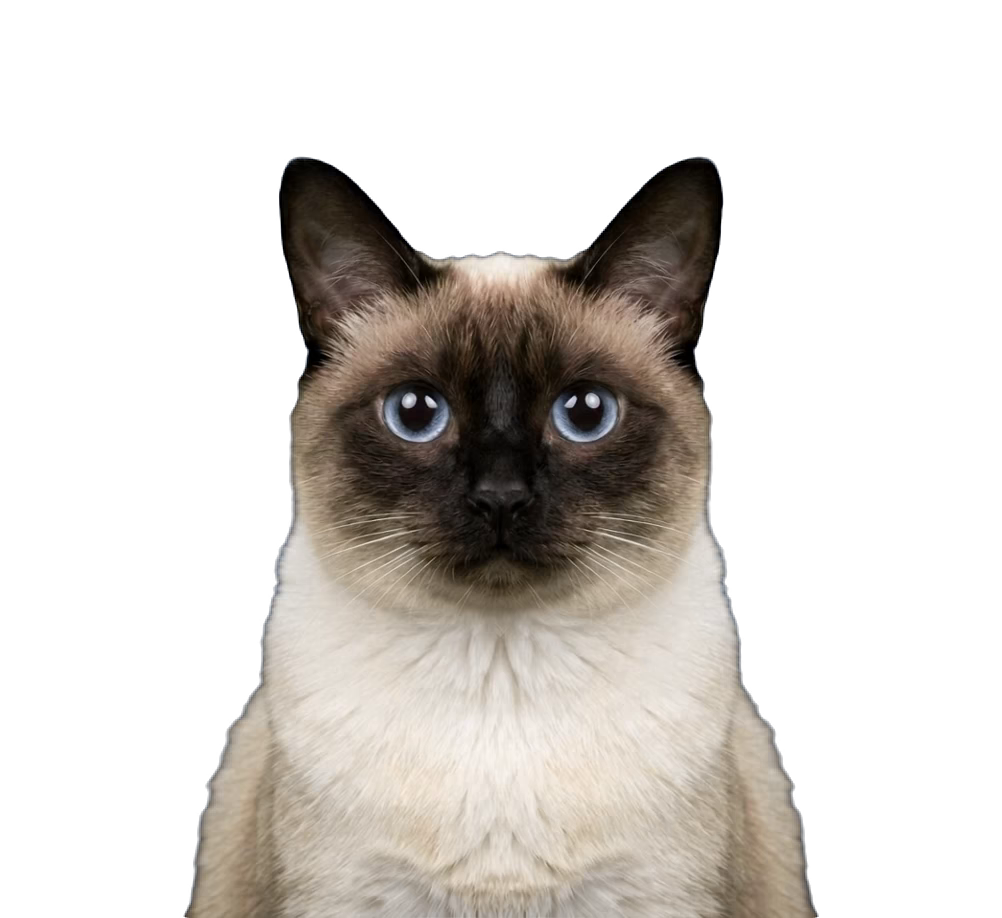
Cat 09-09Domestic
♥ 0↓ 0
Live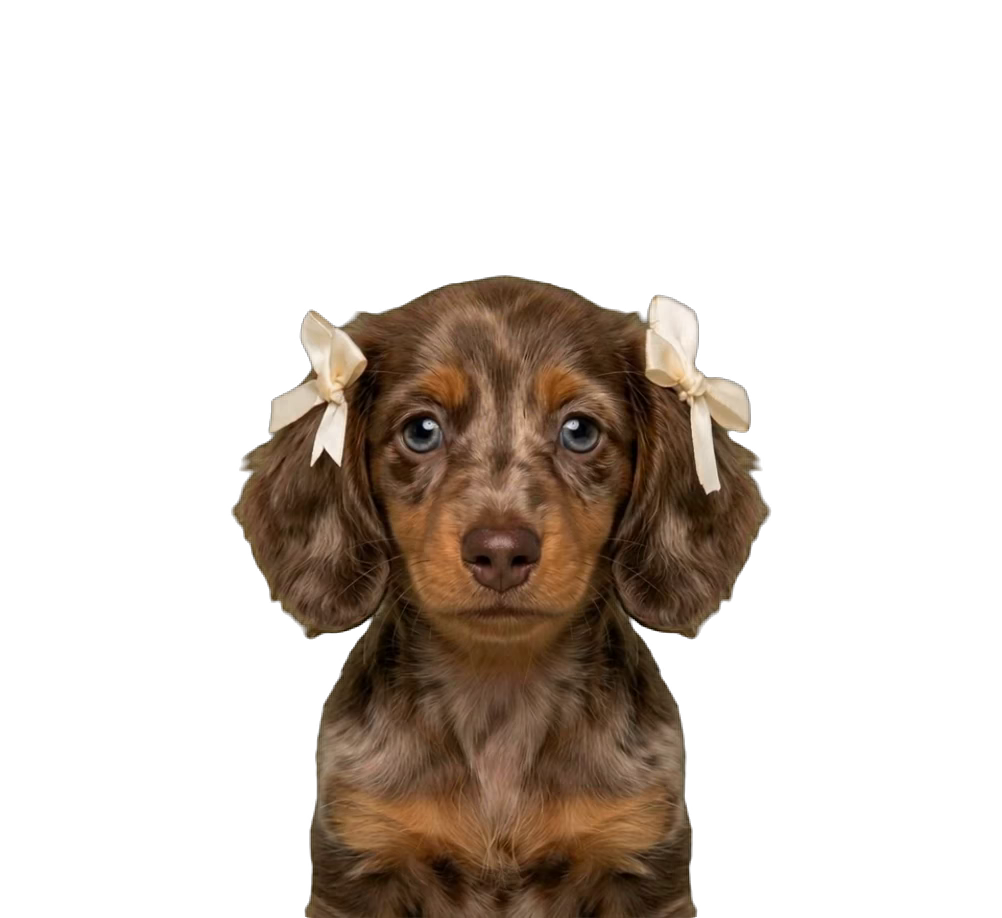
Ribbon TaksiDomestic
♥ 0↓ 0
Live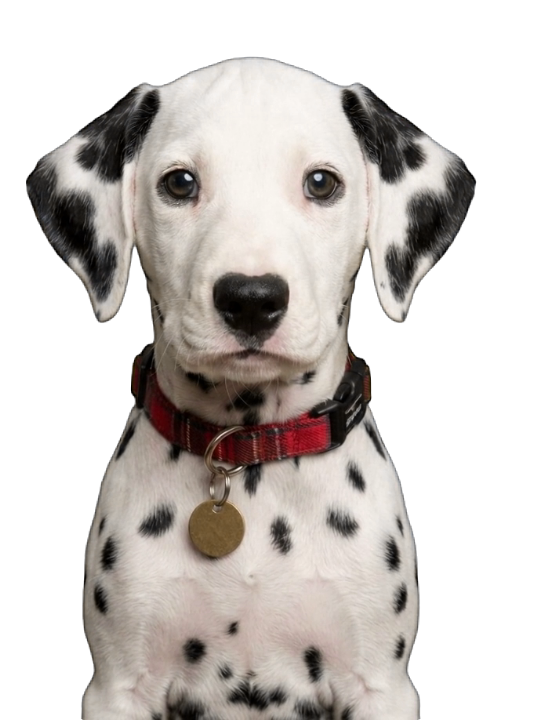
DalmatianDomestic
♥ 0↓ 0
Live
Domestic
♥ 0↓ 0
Live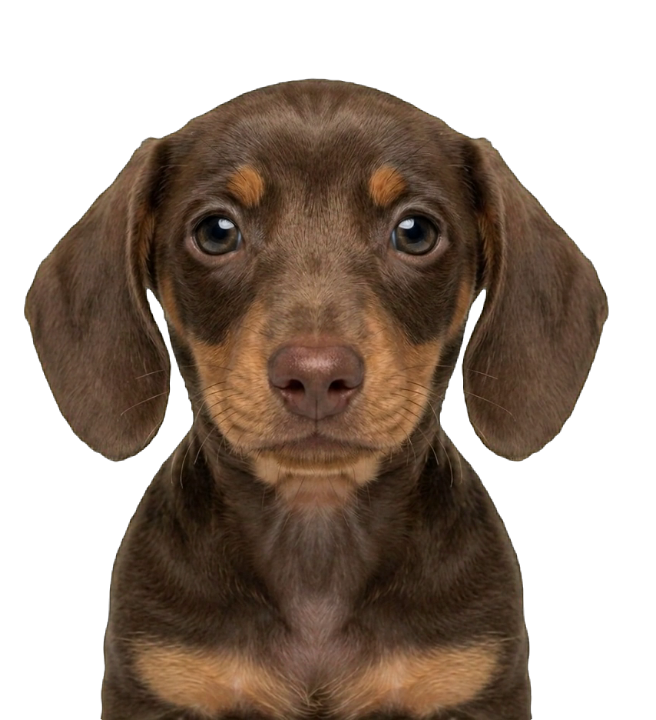
Dachshund puppyDomestic
♥ 0↓ 0
Live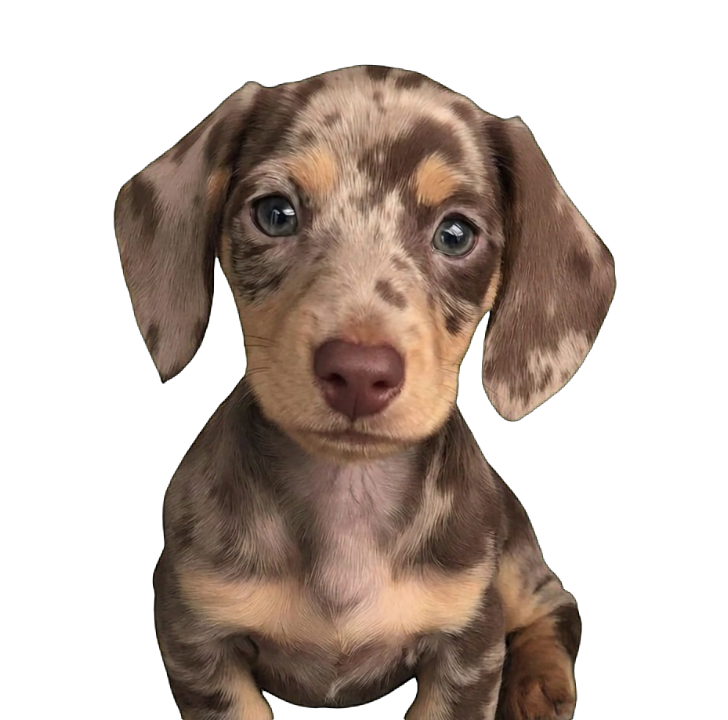
Spotted Dachshund PuppyDomestic
♥ 0↓ 0
Live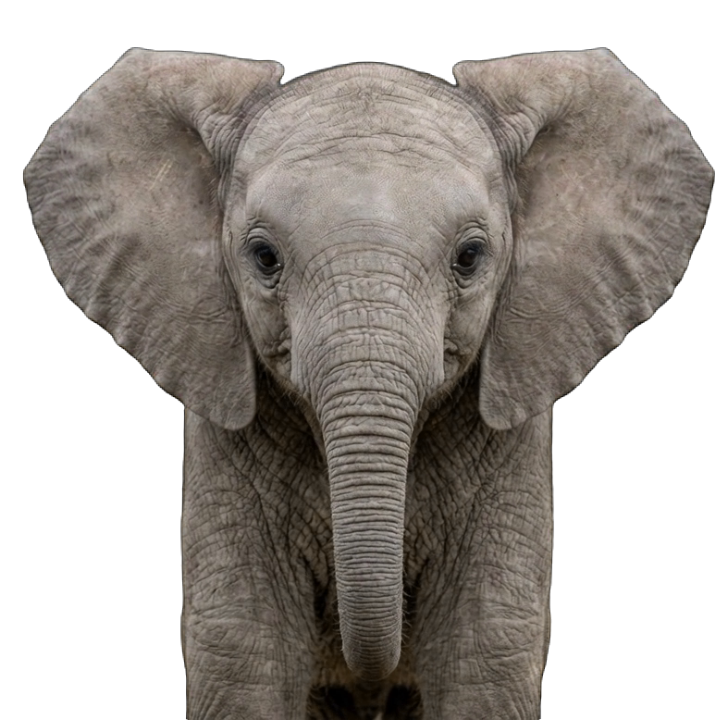
Baby ElephantDomestic
♥ 0↓ 0
Live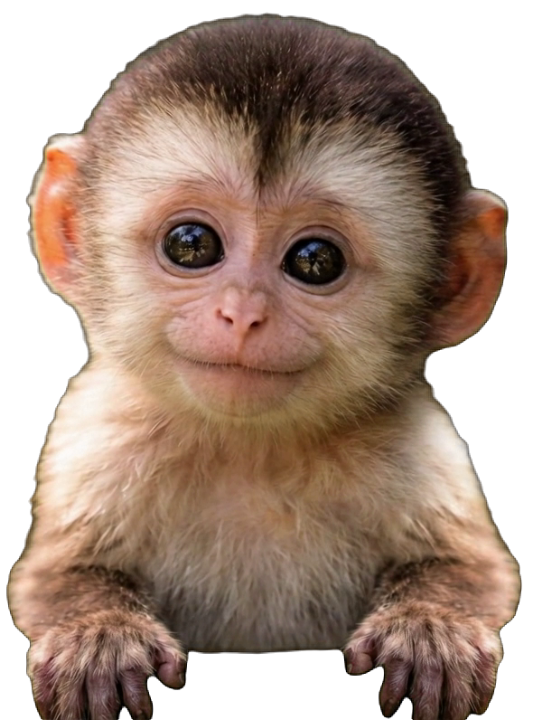
Baby MonkeyDomestic
♥ 0↓ 0
Live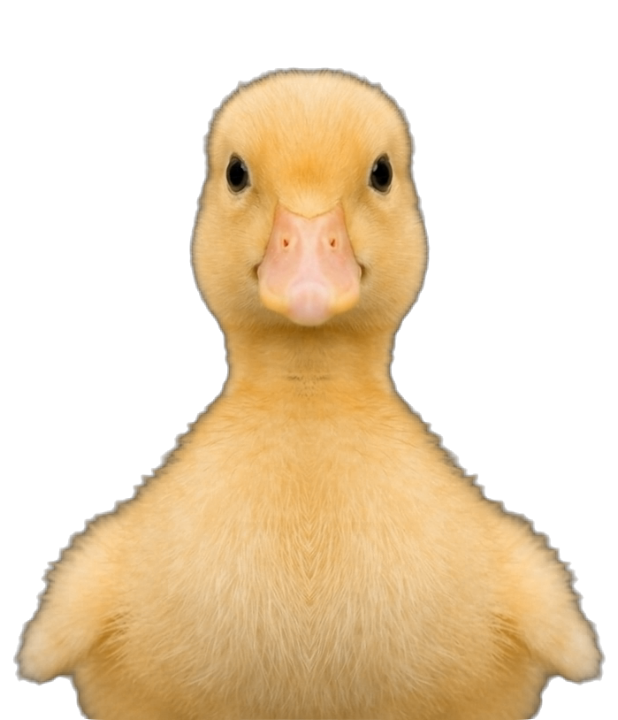
Baby DuckDomestic
♥ 0↓ 0
Live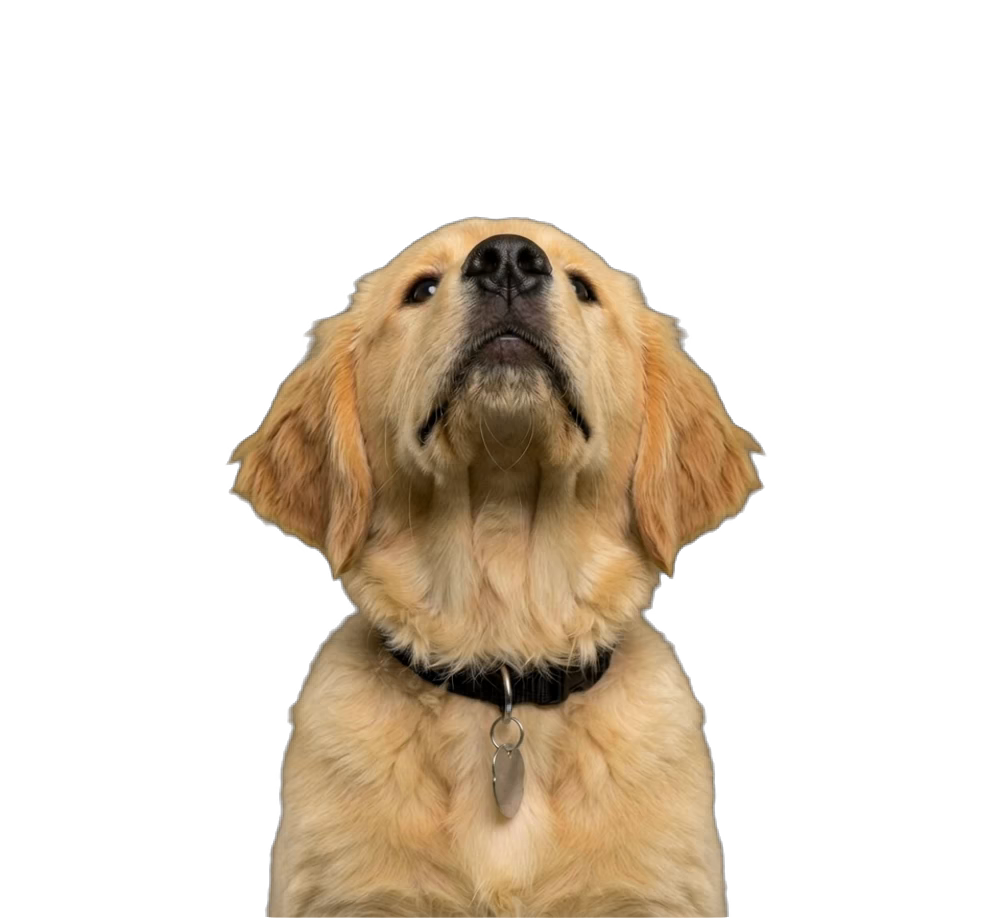
Golden Retriever PuppyDomestic
♥ 0↓ 0
Live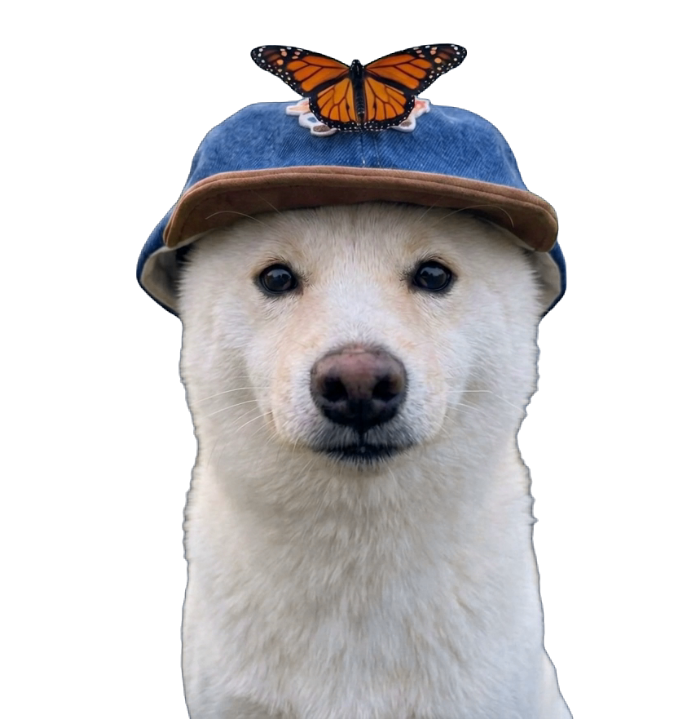
White DogDomestic
♥ 0↓ 0
Live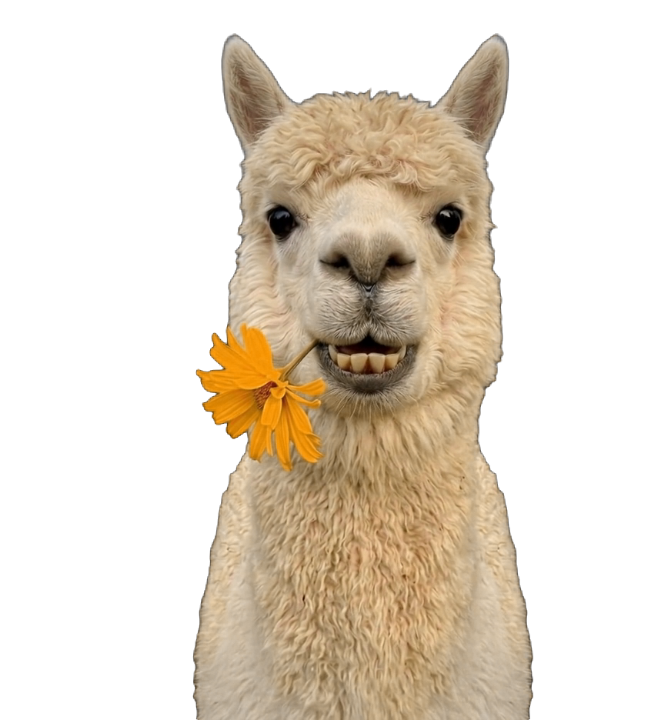
AlpacaDomestic
♥ 0↓ 0
Live
Black LizardDomestic
♥ 0↓ 0
Live
ChickenDomestic
♥ 0↓ 0
32 pets react to your cursor. Send yours to add it to the wall.
Make yours
Three steps. You do the first one.
1
Photograph
At least one clear shot of the face. More angles help.
2
Name it
Name, species, breed, anything worth knowing.
3
We build it, it moves in
A front-facing frame, animated, cut from its background, then yours on the desktop.
1Photos
2Details
3Ready
2Details
3Ready
FrontLooking at the camera
Click to upload or drag and drop
PNG, JPG, WEBP or GIF
LeftHead turned left
Click to upload or drag and drop
PNG, JPG, WEBP or GIF
RightHead turned right
Click to upload or drag and drop
PNG, JPG, WEBP or GIF
JPG, PNG or WebP. At least one clear, well-lit face works — more angles help.