
Free 4K wallpapers for iPhone & Android
Trending this week
What people are downloading right now.


Verified designers
Real people behind the wallpapers. Follow them to see their new drops first.
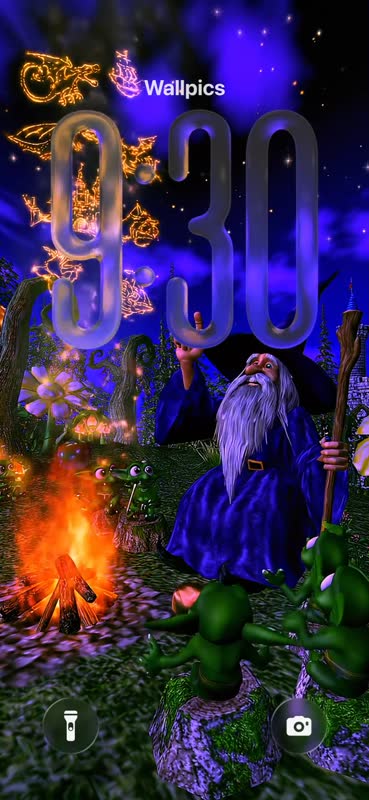
Live wallpapers
They come alive every time you unlock your phone.
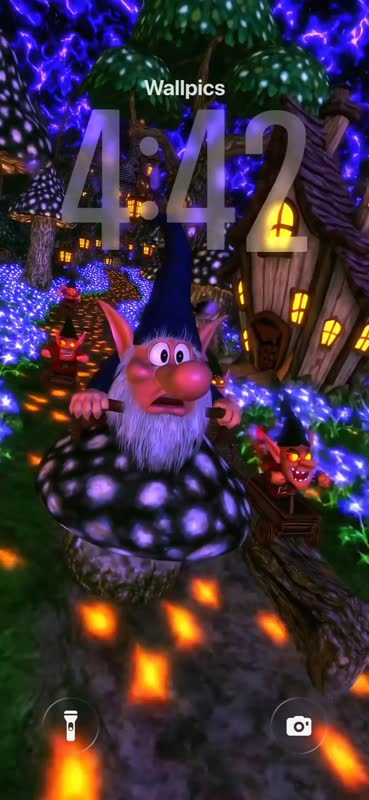
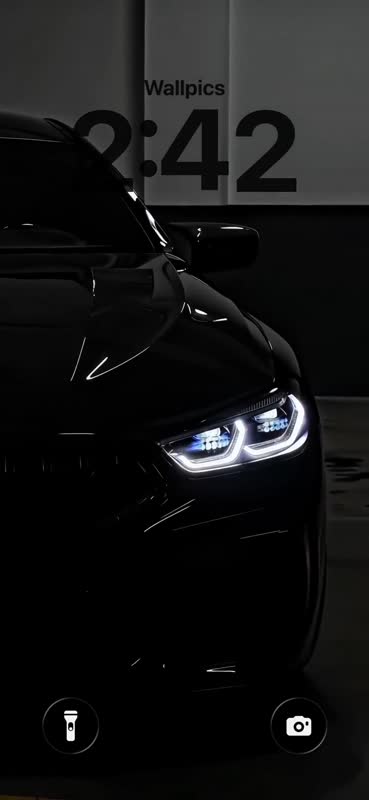
Popular categories
Pick a style to browse.

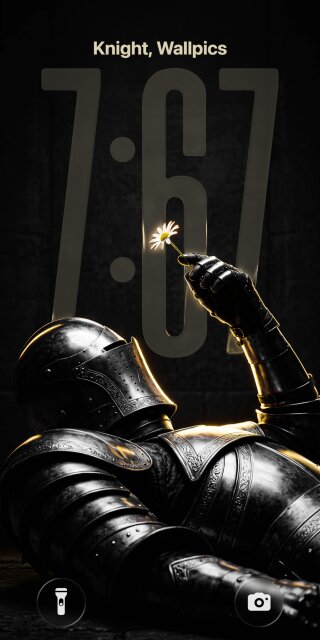

Matching pairs
One for you, one for your best friend or partner.






AI tools
New today
Fresh from our designers and the community.
Popular searches
More wallpapers
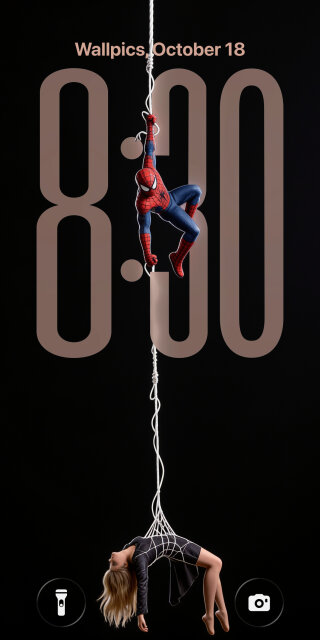
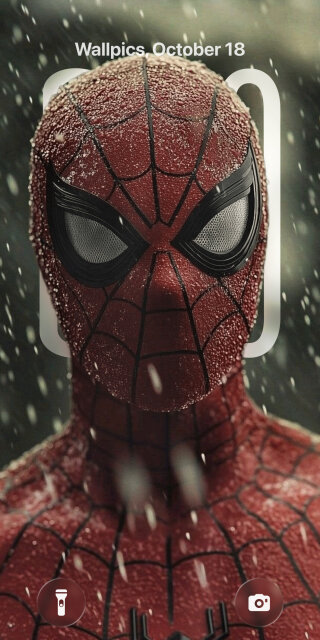

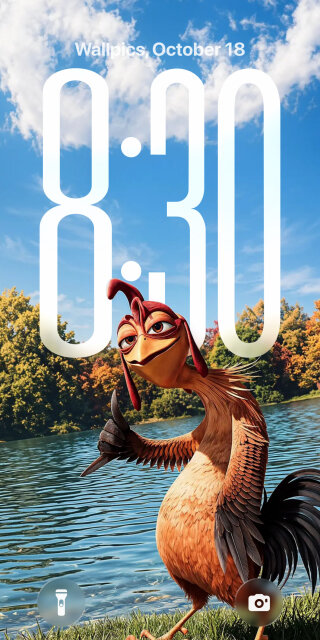
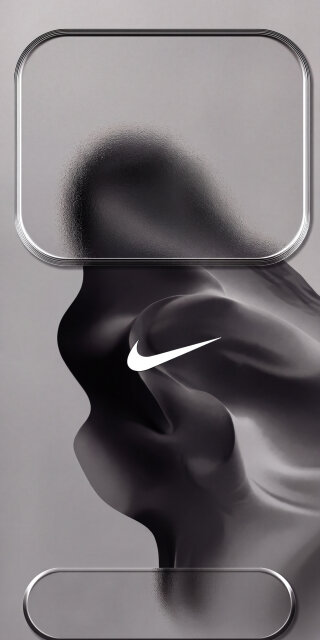






Free 4K wallpapers for your phone
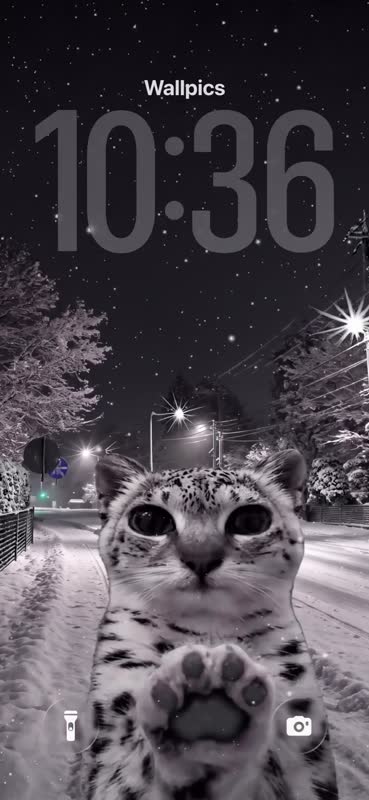
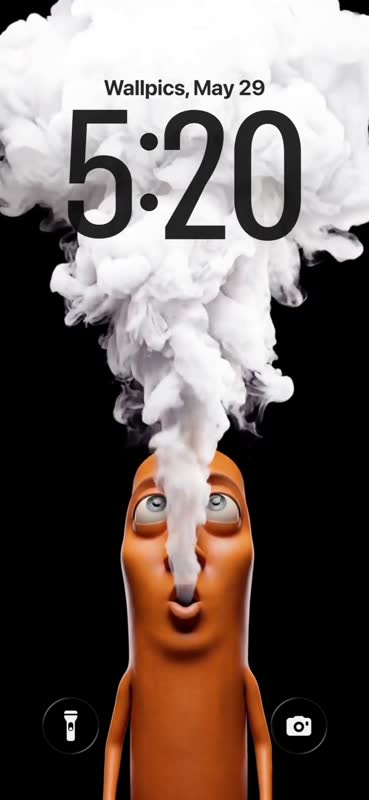
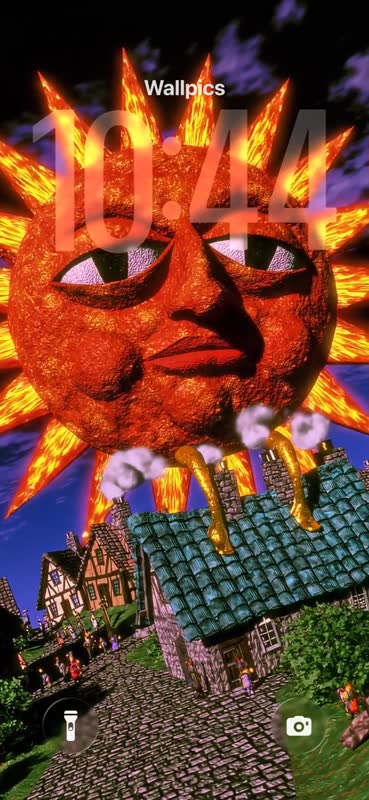
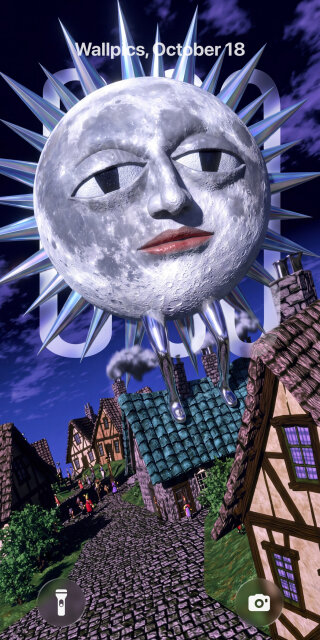
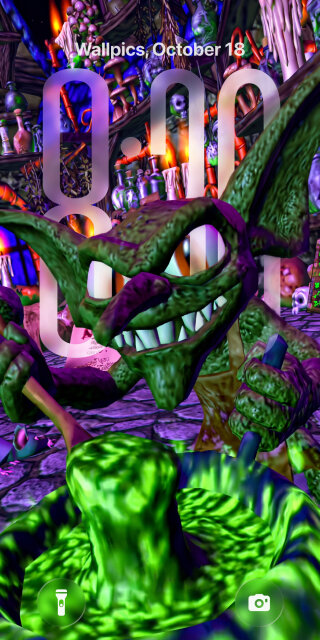
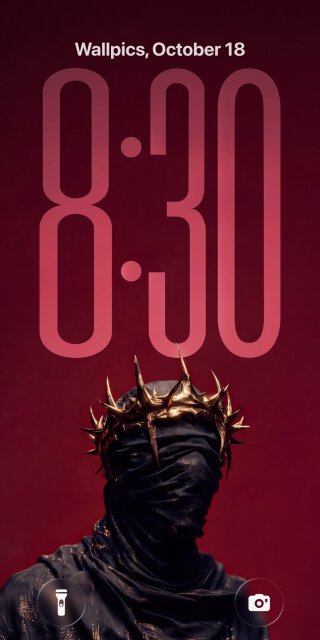
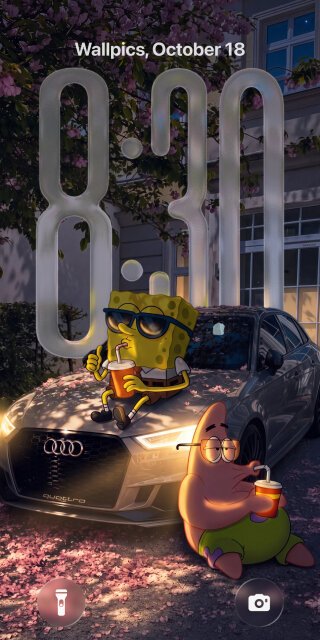
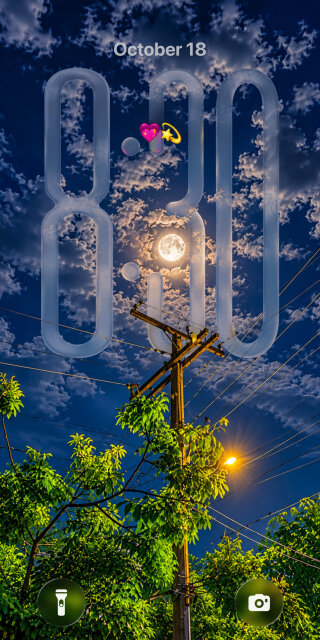
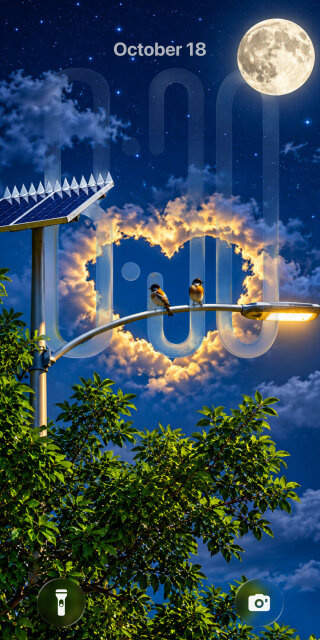
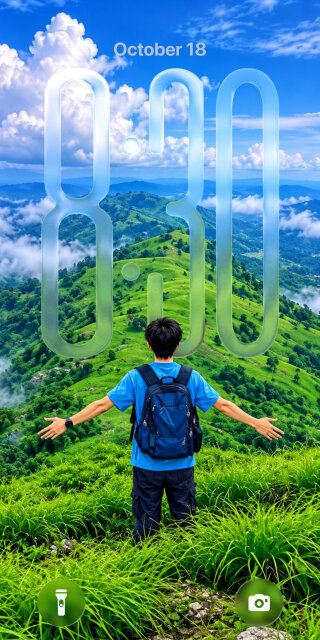
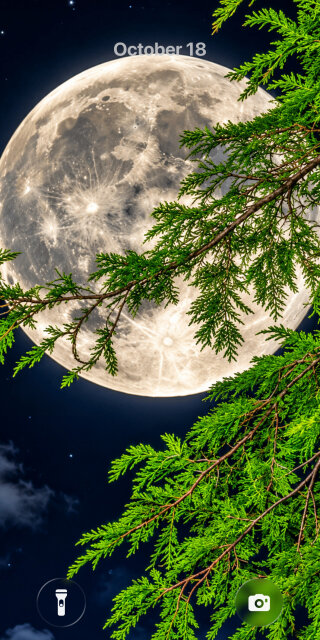
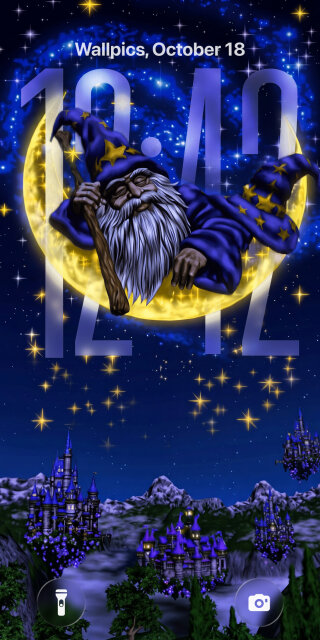
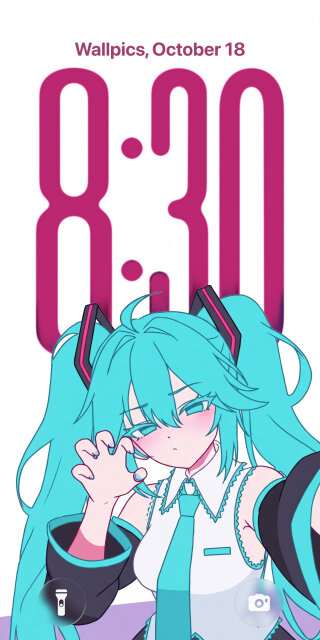
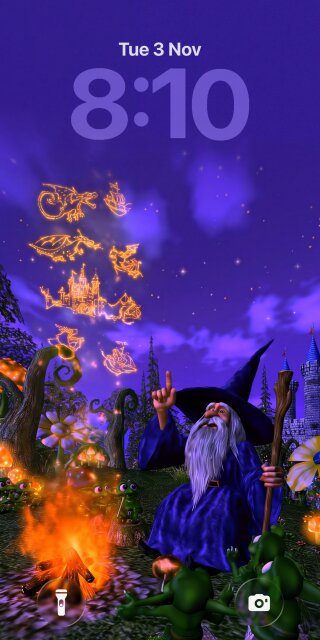
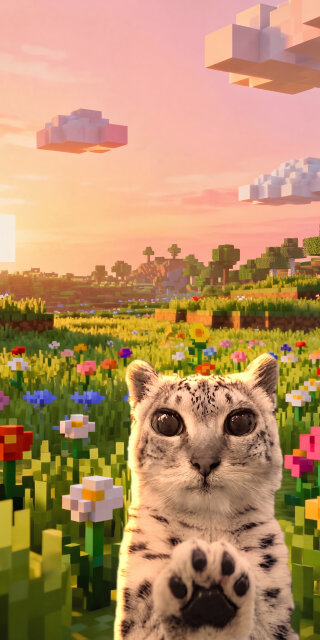
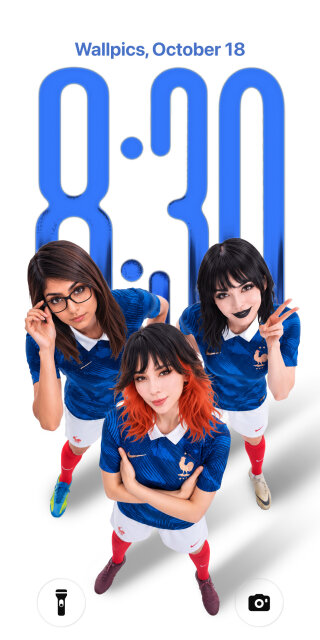
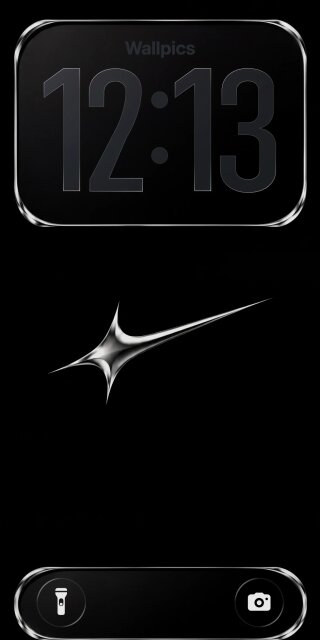
Every wallpaper on Wallpics is made for phone screens: 4K, cut to the right size for iPhone and Android, and free to download. Live wallpapers move when you wake your phone, 3D and depth effect wallpapers put the clock behind the subject, and matching sets are made for two phones. New designs every day from verified designers and the community.
Questions
What resolution are the wallpapers?
Up to 4K. Pick your phone on a wallpaper's page and you get a file cut to its exact screen, for example 1179 × 2556 for an iPhone 16 Pro.
Do they work on iPhone and Android?
Yes. Every wallpaper comes in iPhone and Android sizes. In the Wallpics app you set it in one tap.
Are the wallpapers free?
Yes, every wallpaper is free to download, on the website and in the Wallpics app.
How do I set a wallpaper?
On iPhone, open the picture in Photos, tap Share, then Use as Wallpaper. On Android, open it in Gallery and choose Set as wallpaper. Live wallpapers are set from the Wallpics app.