
Live wallpapers for iPhone
Moving 4K wallpapers for your lock screen, set in a tap from the Wallpics app.
Most downloaded this month
View all →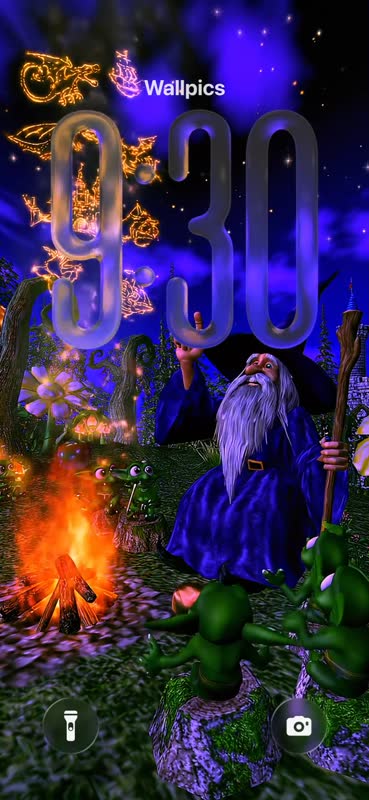
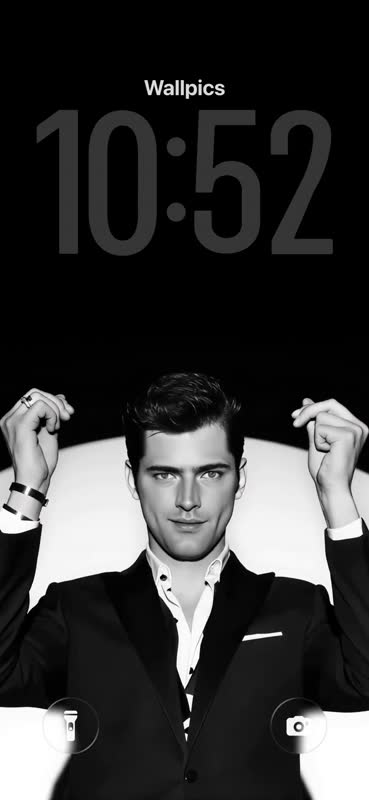
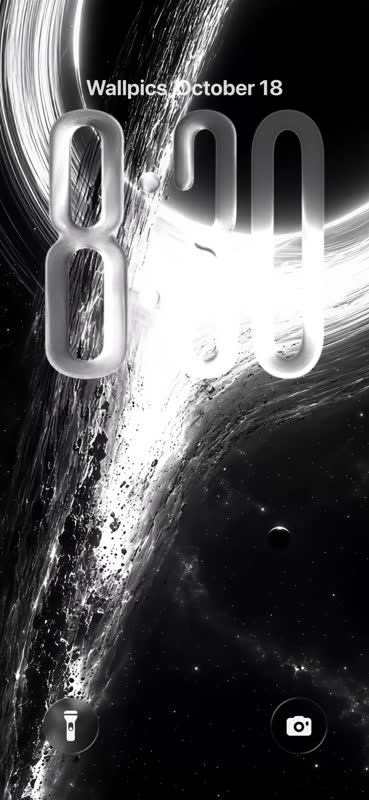
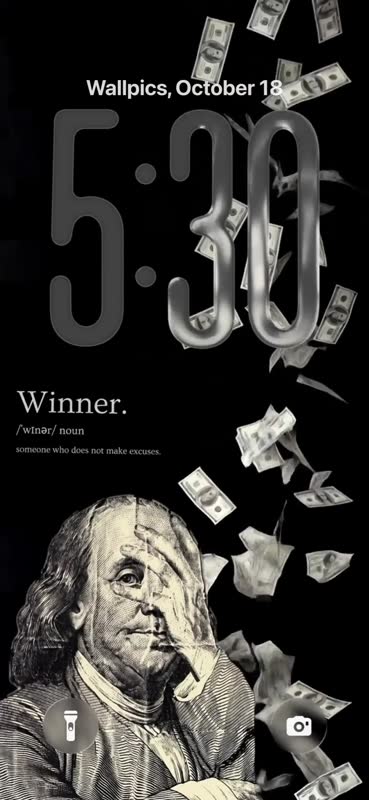
Live wallpapers on iPhone
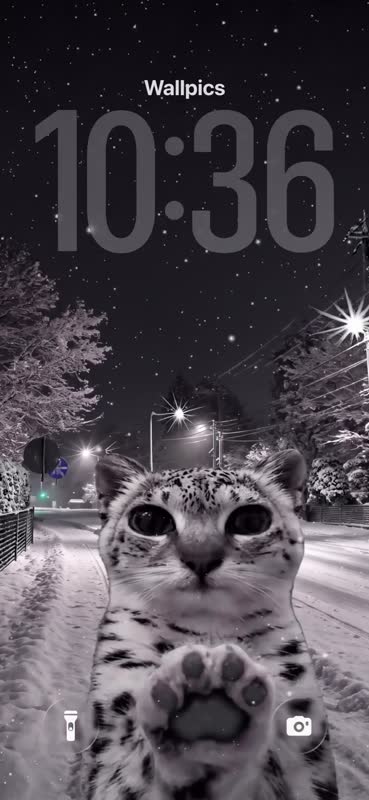
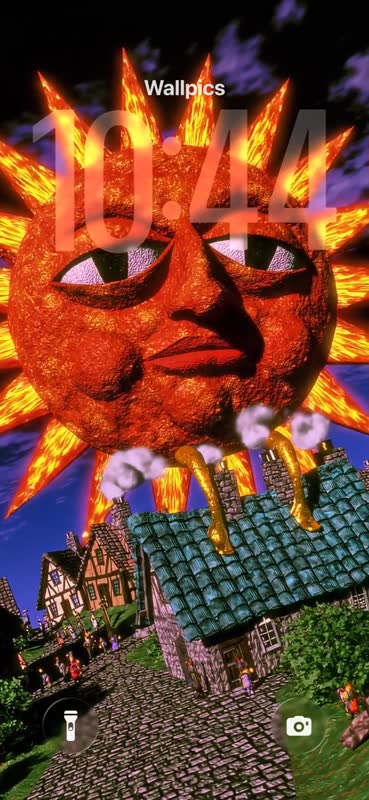
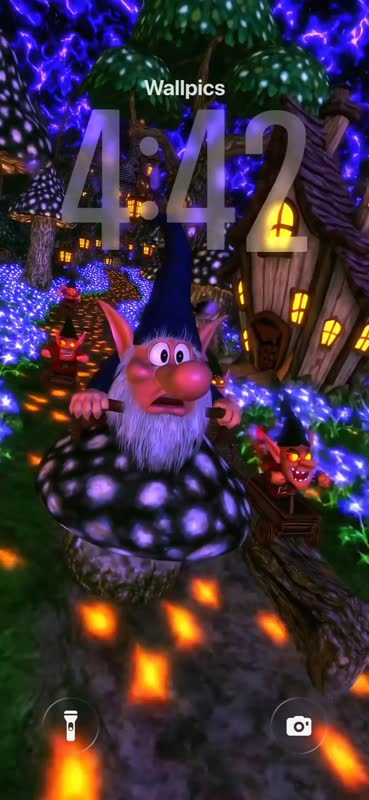
Live wallpapers are short 4K videos made for a phone screen. On iPhone a wallpaper moves when it is set as a Live Photo: open it in the Wallpics app and set it from there.
The previews on this page play the same video, so you can see how each one moves before you pick it.
Questions
How do I set a live wallpaper on iPhone?
Open the wallpaper in the Wallpics app and set it: it is saved to Photos as a Live Photo. Then open Settings, Wallpaper, Add New Wallpaper, choose Photos and pick it.
Why is my live wallpaper not moving?
It has to be set as a Live Photo, with the Live Photo button turned on when you set it. Low Power Mode also stops it from moving.
Do live wallpapers drain the battery?
Very little. The wallpaper plays for a moment on the lock screen, not all the time.
Are they free?
Yes, every wallpaper is free to download, on the website and in the Wallpics app. You do not need an account.