
AI Upscale
Make any photo sharp enough for a 4K wallpaper. Pick a photo, choose the size, and AI adds the missing detail.
- Up to 4K (3840 px on the long side)
- Faces, text and edges stay sharp
- Free with an account, 1 a day
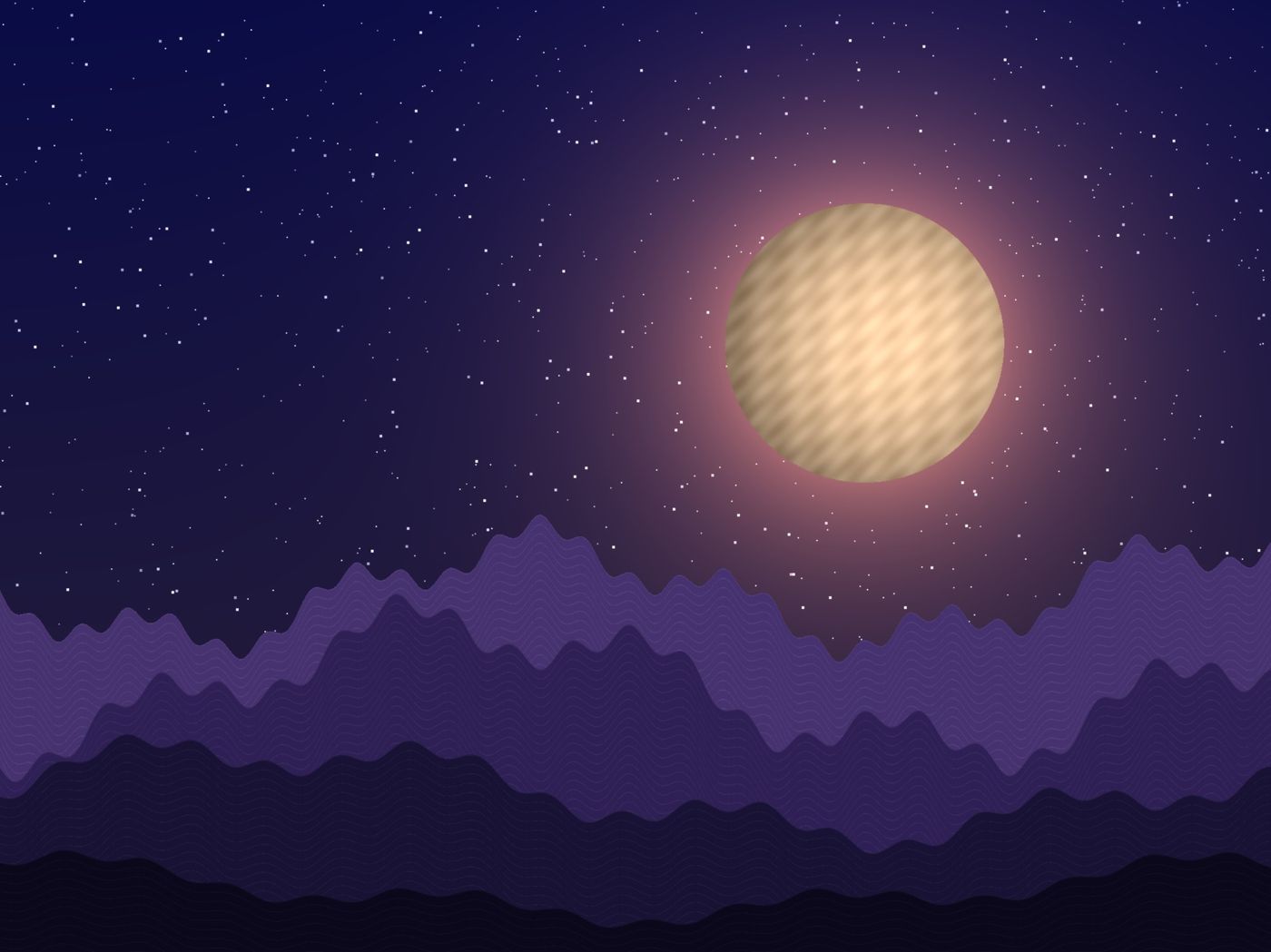
Not just bigger, actually sharper
Ordinary resizing stretches the pixels you already have. AI rebuilds the detail that stretching can't create.
Real Detail, Not Stretched Pixels
Traditional resizing just stretches existing pixels, leaving images soft and blocky. Our AI reconstructs fine detail instead of guessing blindly.
Natural, Artifact-Free Results
No smearing, no halos, no plastic-looking skin. Edges stay clean and textures look like they belong in the original photo.
Ready for HD, 2K & 4K
Whether you need a sharp desktop wallpaper or a print-ready file, pick the resolution that fits and let the AI do the rest.
How it works
- Upload Your ImageDrop in any photo, artwork, or wallpaper you want to enhance.
- Choose Your ResolutionPick HD, 2K, or 4K depending on your image and the detail you need.
- Download in Full QualityAI sharpens details and adds resolution. Save the enhanced result instantly.
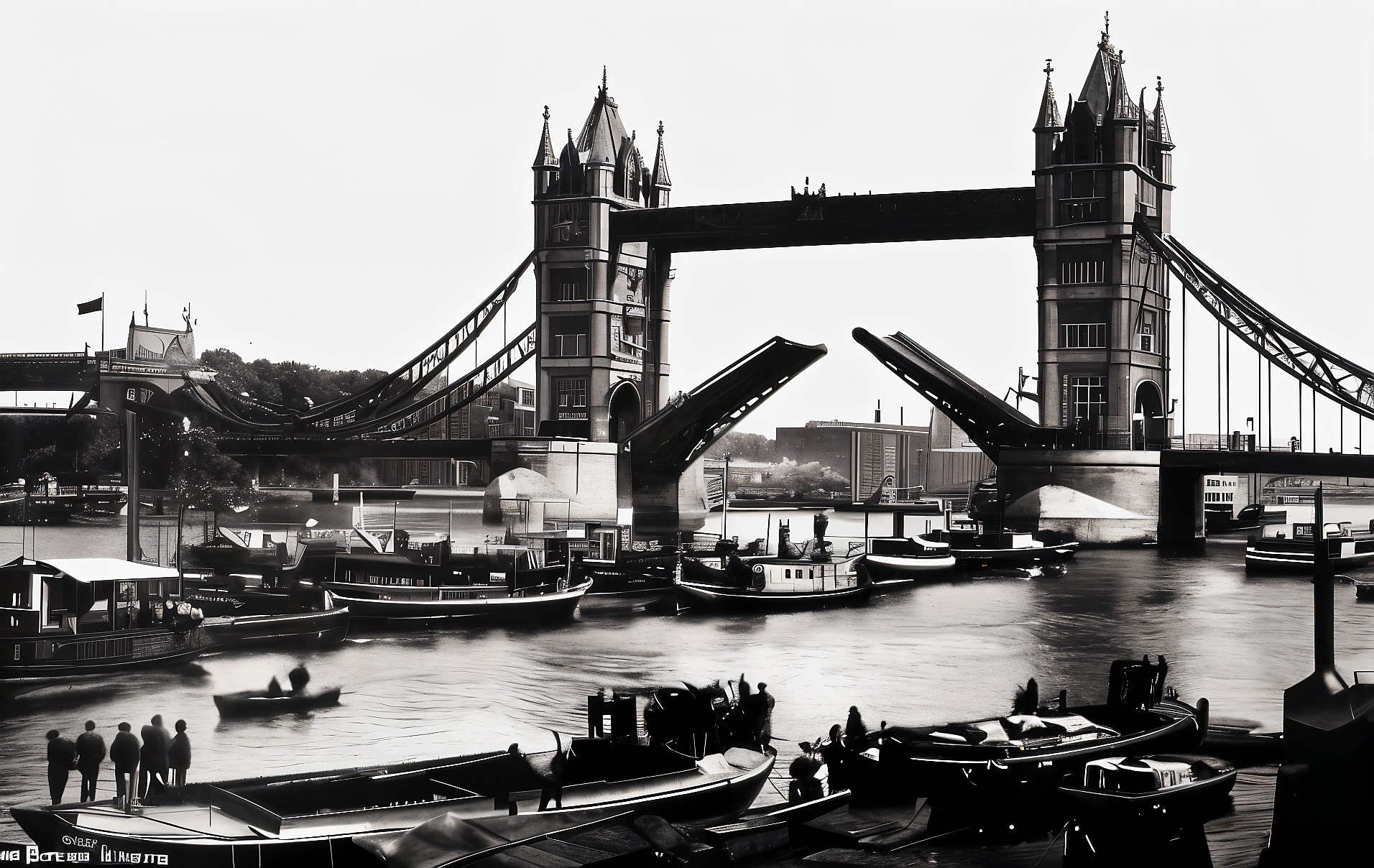
Works on almost any image
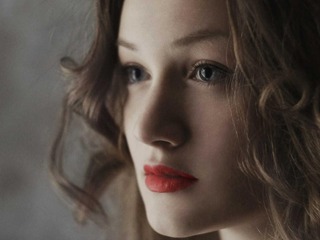
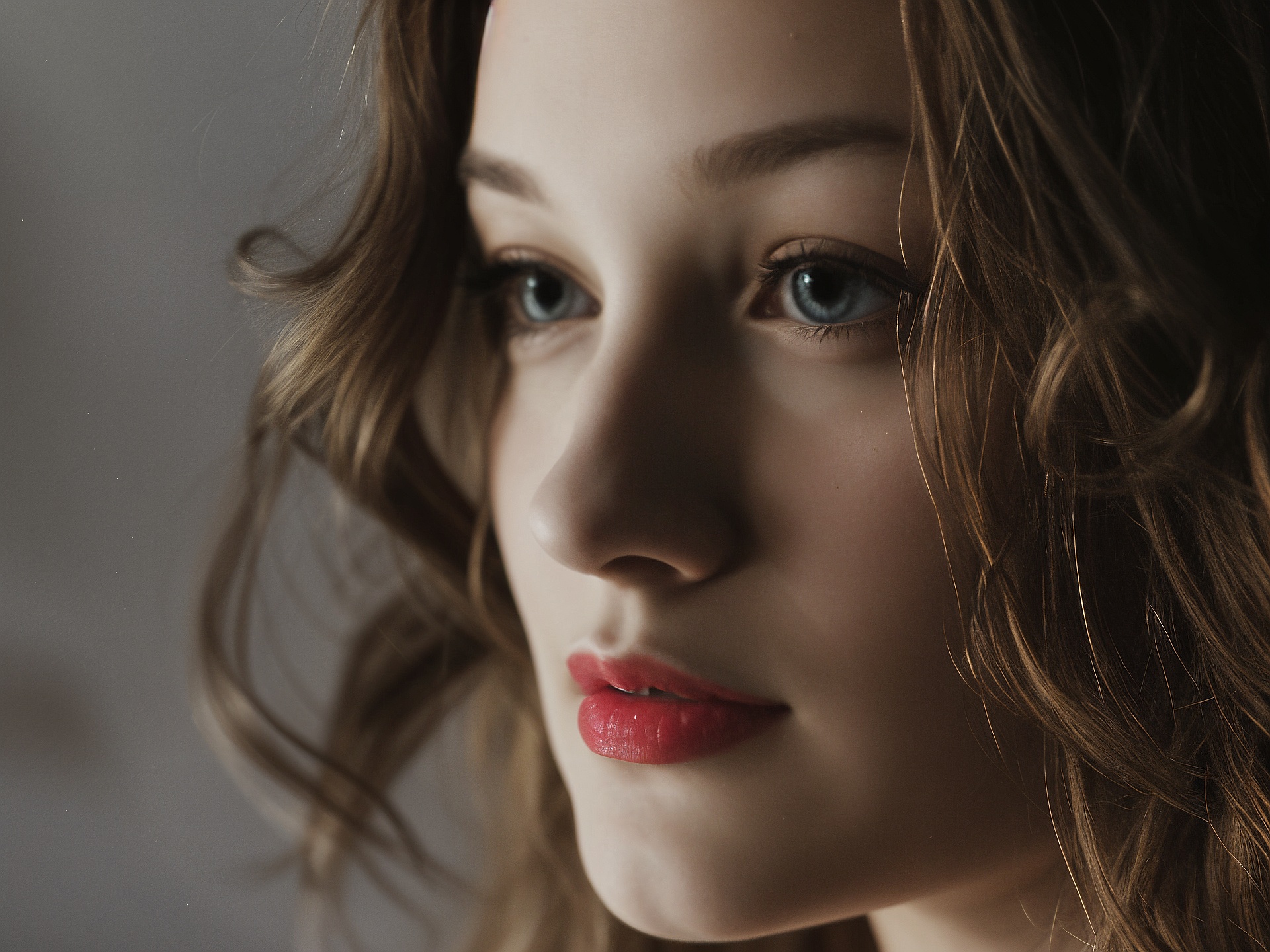
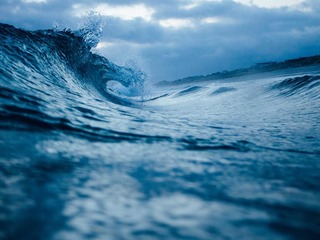
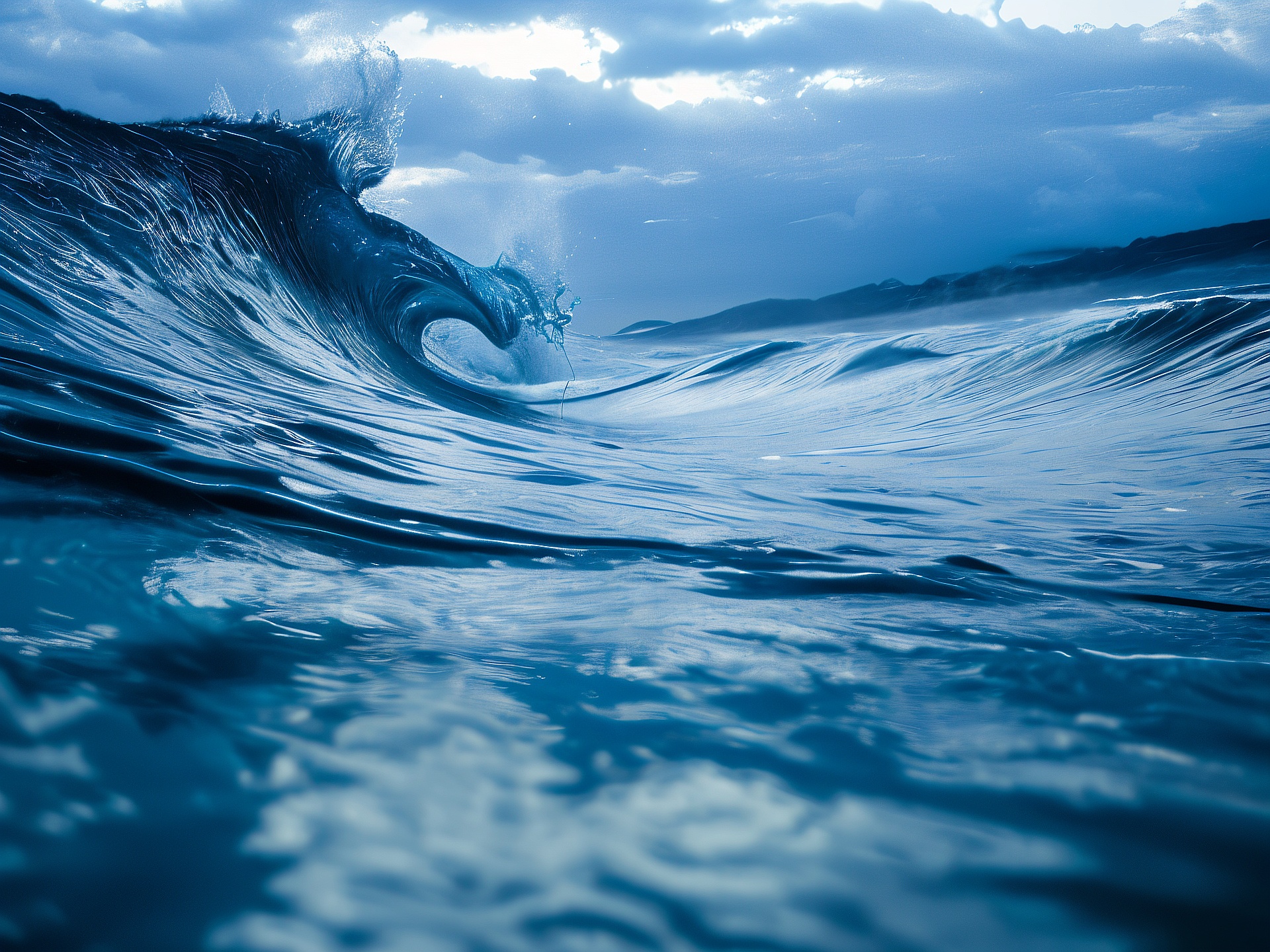
Drag the handle to see the difference.
Who it's for
Photographers
Recover detail in shots taken with older cameras or cropped in tight, without losing sharpness.
Designers & Creators
Upscale graphics, textures, and artwork to the resolution your project actually needs.
Online Sellers
Turn small product photos into crisp, high-resolution images that build trust.
Everyone Else
Restore clarity to old family photos or screenshots you want to keep looking sharp.
Questions
What is AI image upscaling?
AI upscaling increases the resolution of an image while adding realistic detail, rather than simply stretching the pixels like traditional resizing. The result is a sharper, cleaner image at HD, 2K, or 4K resolution.
How does it work?
The AI model analyzes the patterns, edges, and textures in your image and reconstructs plausible fine detail as it increases resolution — instead of just interpolating between existing pixels.
Will my image lose quality or gain artifacts?
No. The model is tuned to avoid smearing, halos, and plastic-looking textures. Results stay natural, with clean edges and detail that matches the original image.
What image formats are supported?
You can upload JPEG, PNG, and WebP images. Photos, artwork, and wallpapers all work well with the upscaler.
Is there a resolution limit?
Yes. Available target resolutions depend on your image’s original size — the tool only shows upscale options that make sense for your upload, up to 4K.
Will upscaling fix a blurry or low-quality photo?
The AI sharpens edges and reconstructs plausible detail, which can noticeably improve blurry or compressed images, though it can’t recover detail that was never captured in the original.
How long does upscaling take?
Most images are processed in under a minute, depending on the target resolution and server load.
Is the image upscaler free to use?
Yes — the upscaler is completely free. You just need a free account to use it.